Zoho CRM is a powerhouse. It's flexible, feature-rich, and practically begs to be customized to fit your unique business processes. But here's the thing: just because you can customize everything doesn't mean you should. At least, not without a solid game plan.
Too many businesses dive headfirst into Zoho CRM customization with the best intentions, only to end up with a cluttered, confusing system that frustrates their team and slows down productivity. Sound familiar? Don't worry: you're not alone, and these mistakes are totally fixable.
Let's break down the seven most common Zoho CRM customization mistakes and, more importantly, how to turn things around.
Mistake #1: Overusing Multiple Layouts Instead of Layout & Validation Rules
Creating a new layout for every slight variation in your sales process feels like the right move at first. Different products? New layout. Different regions? Another layout. Before you know it, your system looks like a tangled mess of spaghetti that nobody wants to touch.
Why it's a problem: Multiple layouts create management headaches as your business scales. Updates become tedious, training new team members turns into a nightmare, and inconsistencies start creeping in everywhere.
The fix: Lean into layout rules and validation rules instead. Layout rules dynamically control which fields appear based on user input: no extra layouts required. Validation rules ensure data gets entered correctly the first time, preventing those frustrating "oops" moments down the line.
This approach keeps your CRM clean, scalable, and way easier to manage as your team grows.
Mistake #2: Overloading Canvas with Too Many Elements
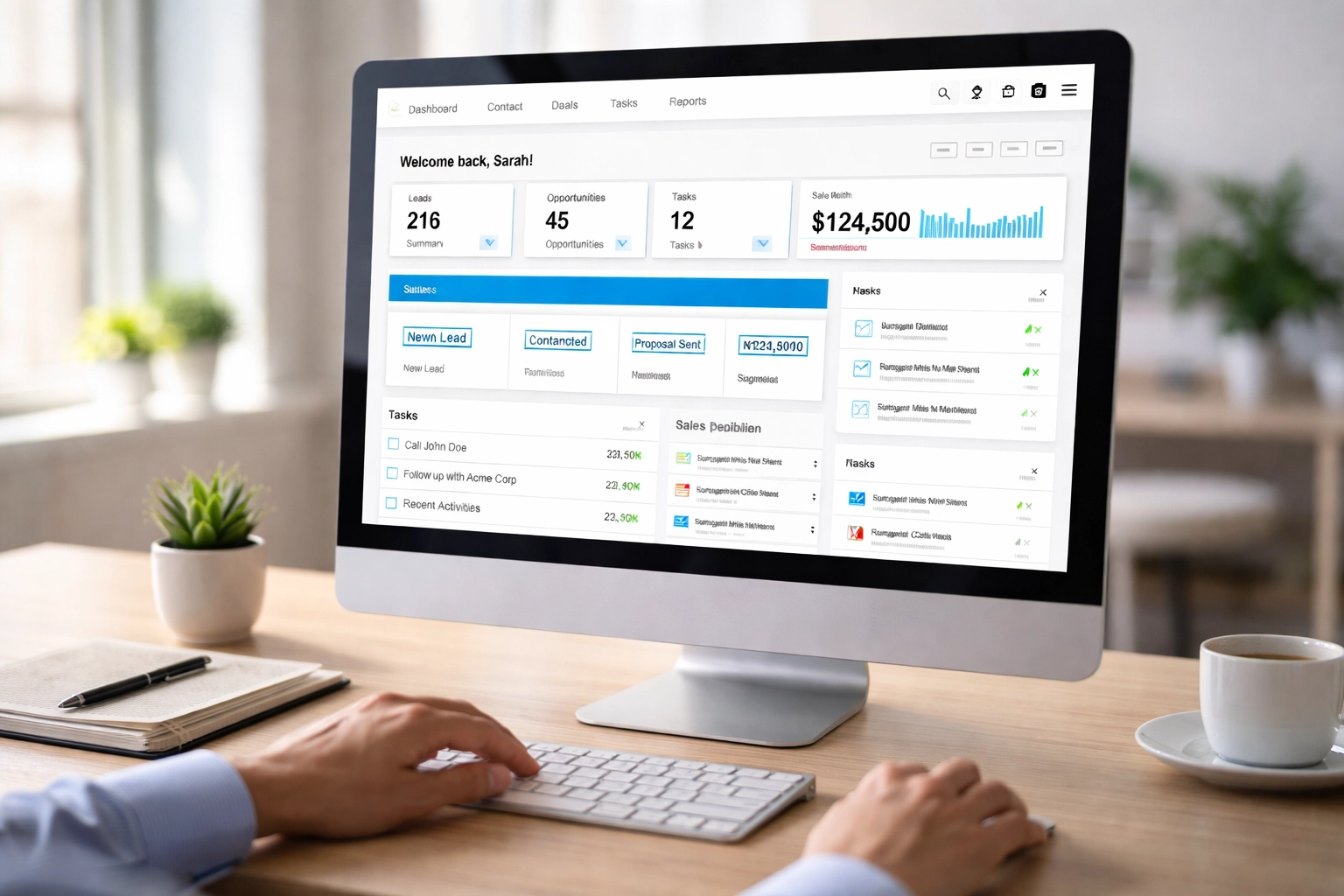
Zoho's Canvas feature is genuinely cool. It lets you design custom record views that look exactly the way you want. But with great power comes great responsibility: and the temptation to cram every possible piece of information onto one screen.
Why it's a problem: An overloaded Canvas overwhelms users. When everything is a priority, nothing is. Your team ends up hunting for the information they actually need, which defeats the entire purpose of customization.
The fix: Prioritize essential information and maintain a clean layout. Ask yourself: what does my team really need to see at a glance? Contact details, recent interactions, and deal status usually top the list for sales teams.
Consider using accordion-style layouts that let users expand sections as needed. This keeps the interface focused while still providing access to detailed information when required. And whatever you do, don't completely replace Zoho's standard interface: keep core navigation elements accessible.
Mistake #3: Not Customizing Pipeline Stages
Here's an ironic twist: while some businesses over-customize, others don't customize enough. Using Zoho CRM's default pipeline stages without adjusting them to match your actual sales process creates confusion and missed opportunities.
Why it's a problem: Generic stages like "Open," "In Progress," and "Closed" don't tell your team much. They lack the specificity needed to track deals effectively and identify bottlenecks in your sales process.
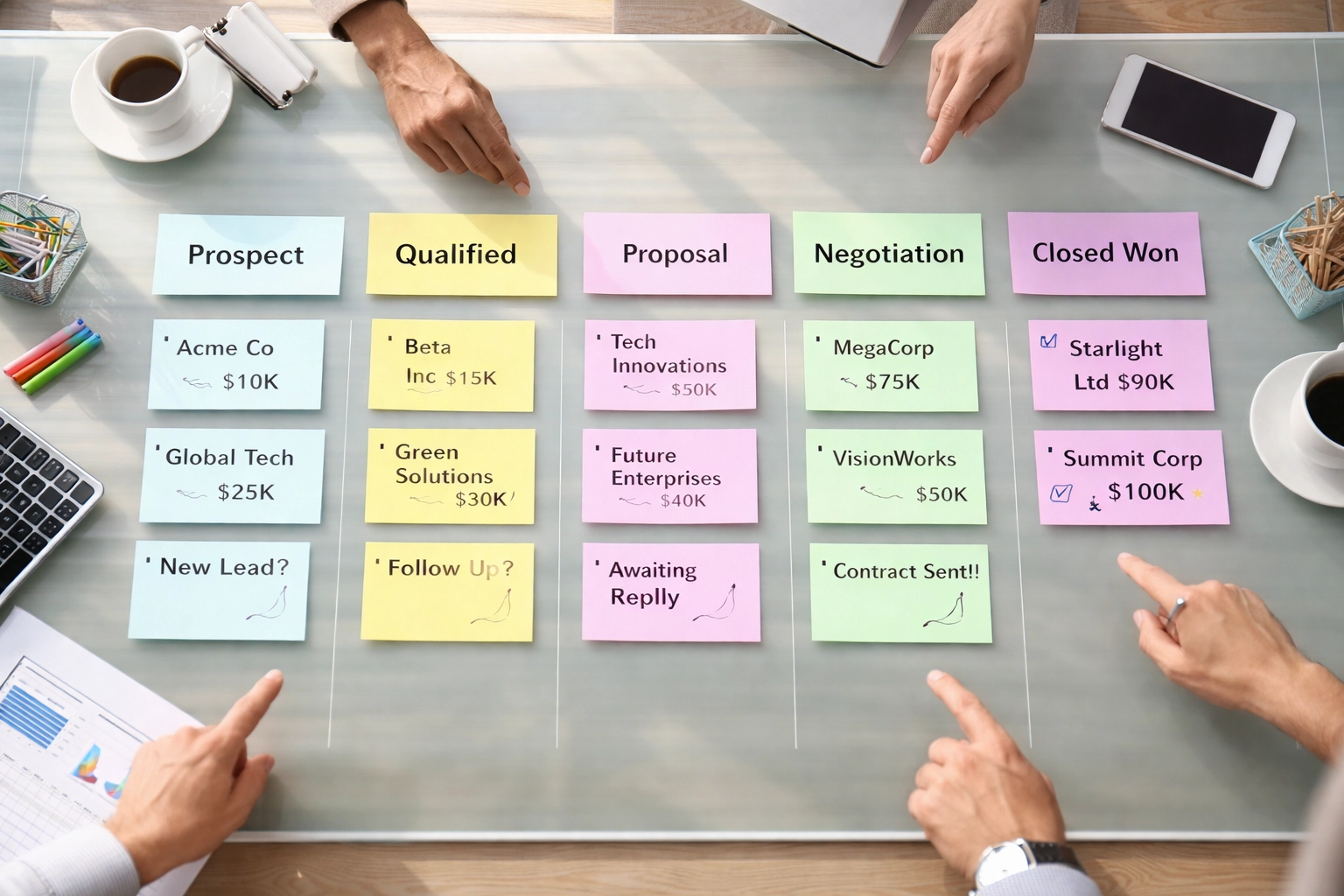
The fix: Map out your real sales process from first contact to closed deal. Then customize your pipeline stages to reflect those actual steps. Stages like "Initial Qualification," "Proposal Sent," "Negotiation," and "Contract Review" provide clarity and help your team understand exactly where each deal stands.
This simple customization dramatically improves forecasting accuracy and helps managers spot deals that are stalling out.
Mistake #4: Ignoring User Needs in Customization
It happens all the time: someone in leadership decides how the CRM should look and function without ever asking the people who use it daily. The result? A beautifully customized system that nobody actually wants to use.
Why it's a problem: Customizations that don't align with real workflows create friction. Users develop workarounds, data quality suffers, and adoption rates tank.
The fix: Talk to your team before customizing anything. Engage with sales reps, customer service agents, marketing professionals: anyone who touches the CRM. Understand their daily workflows, pain points, and wish lists.
A sales rep might need quick access to recent email conversations and upcoming tasks. A customer service agent might prioritize support ticket history and contract details. These insights should drive your customization decisions, not assumptions made in a conference room.
Mistake #5: Designing with Inconsistent Visual Themes
Your sales team's CRM interface looks completely different from your support team's view. Marketing has their own thing going on. Every department feels like a separate app entirely.
Why it's a problem: Inconsistent design creates a disjointed user experience. Team members who work across departments get confused, and the CRM feels cobbled together rather than cohesive.
The fix: Establish and maintain a consistent visual theme across all modules and departments. Use the same color schemes, button styles, and layout patterns throughout the system. This creates a seamless experience that feels intentional and professional.
Before rolling out any new customization, test it with different user groups and gather feedback. Iteration based on real user input leads to designs that actually work for everyone.

Mistake #6: Creating Mapping Errors When Integrating Systems
Zoho CRM's integration capabilities are fantastic: connecting with Zoho Books, external platforms like Shopify and Stripe, or countless other tools. But rushed integrations with sloppy field mapping create chaos fast.
Why it's a problem: Field mapping errors lead to duplicate customers, mismatched invoices, and inconsistent financial records. Cleaning up these messes takes significant time and erodes trust in your data.
The fix: Before enabling any sync, carefully review every field mapping. Ensure customer names, invoices, payment details, and other critical data points match correctly between systems.
Use unique identifiers (like customer IDs or email addresses) to prevent duplicate entries. Most importantly, run a test sync with a small dataset before going live. Catching errors with 10 records is infinitely easier than fixing them across 10,000.
For complex integrations, working with experienced Zoho consultants can save countless hours of troubleshooting. Custom Zoho Solutions specializes in getting these configurations right the first time.
Mistake #7: Over-Customizing Without Data Analysis
Customization should solve real problems, not imaginary ones. Building elaborate custom fields, modules, and automations based on assumptions rather than actual usage data leads to bloated systems full of features nobody uses.
Why it's a problem: Over-engineered solutions slow down the system, confuse users, and make future changes more complicated than necessary. You end up maintaining features that provide zero value.
The fix: Start with a thorough analysis of your existing business processes. Identify specific areas where standard Zoho modules and fields fall short. Only then should you implement customizations: and only the ones that address genuine needs.
Resist the urge to build features "just in case" you might need them someday. It's far easier to add customizations later when a real need emerges than to strip out unnecessary complexity from an over-built system.

Getting Your Zoho CRM Customization Right
The pattern across all these mistakes is clear: successful Zoho CRM customization requires planning, user input, and restraint. The goal isn't to use every feature available: it's to create a system that genuinely supports your team's daily work.
Take time to audit your current setup. Talk to your users. Document your actual processes before making changes. And when customizations do make sense, implement them thoughtfully with scalability in mind.
Need help untangling an over-customized CRM or building a configuration that actually works? Contact Custom Solutions 4 U today. Sometimes a fresh set of expert eyes makes all the difference.
Your CRM should be a productivity multiplier, not a source of frustration. Get the customization right, and watch your team's efficiency soar.